What is Compass?
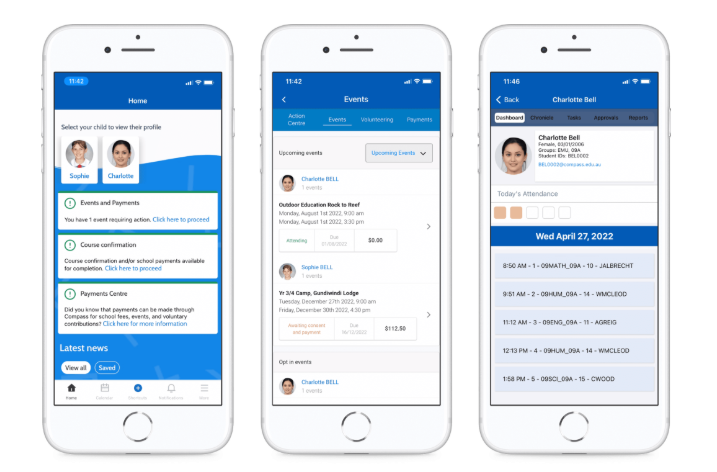
Compass is a school management solution that allows parents and carers to access up-to-date and meaningful information about your school and your child’s progress. Compass includes many different features, including the ability to:
- Monitor your child’s attendance, and enter an explanation for absence or lateness
- Update your family contact details
- View the school calendar and news feed
- Download and view your child’s academic reports
- Pay and provide consent for events and school fees
How do I access Compass?
Compass is accessible on any modern web browser (Internet Explorer, Firefox, Chrome, Safari) or by using the Compass iOS or Android apps.
To access the parent portal, you can go to your school’s website and click the Compass link on their homepage. Alternatively, you can go to schools.compass.education where you can search for our school’s direct URL.

To log in you will require your unique family username and password. These details can be obtained from our front office. Upon first login, you will be required to change your password and confirm your email address and mobile phone number. These details may be used by our school for SMS, password recovery and email communication throughout the year.